> For the complete documentation index, see [llms.txt](https://blings.gitbook.io/blings-knowledge-base/llms.txt). Markdown versions of documentation pages are available by appending `.md` to page URLs; this page is available as [Markdown](https://blings.gitbook.io/blings-knowledge-base/apps/blings-platform/data-catalog-and-forms.md).
# Data, Catalog, and Forms
Define project data, reusable catalog data, live controls, and form-submission handling
Personalization in Platform depends on structured data. The project data schema defines the viewer parameters used by the MP5 experience, live controls define operational values that can change without changing each viewer record, catalog data stores reusable grouped records, and form data captures viewer submissions when forms are enabled.
{% tabs %}
{% tab title="Dynamic Data" %}
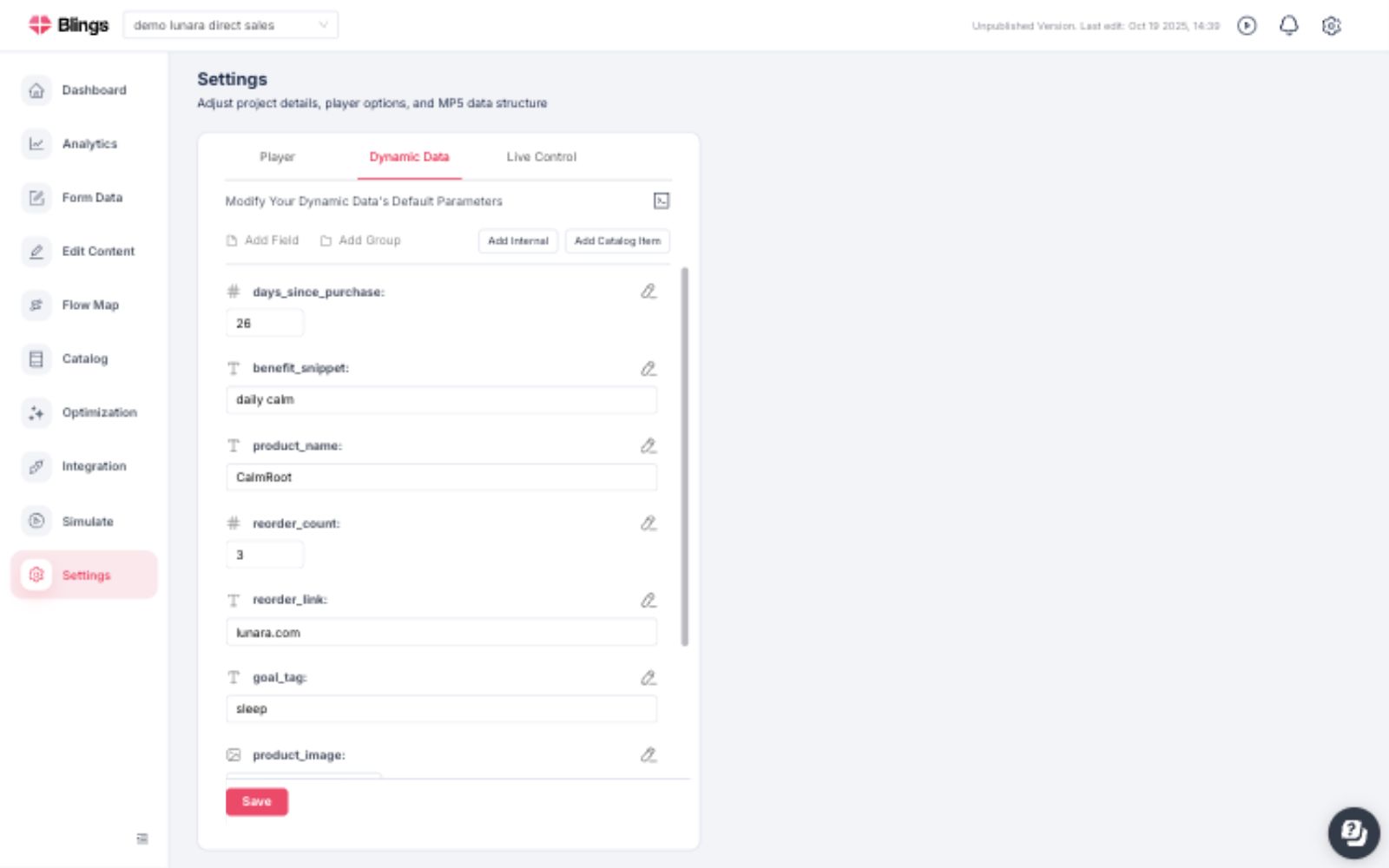
Dynamic Data defines the fields used to personalize the MP5 experience. Each field has a type and a default value, such as numbers, text, images, links, and grouped fields.
Common actions include:
* **Add Field** to define a new project parameter.
* **Add Group** to organize related parameters.
* **Add Internal** to add fields used internally by the project.
* **Add Catalog Item** to connect a parameter to reusable catalog data.
* **Code mode** to inspect or edit the data schema in a structured format.
{% endtab %}
{% tab title="Live Control" %}
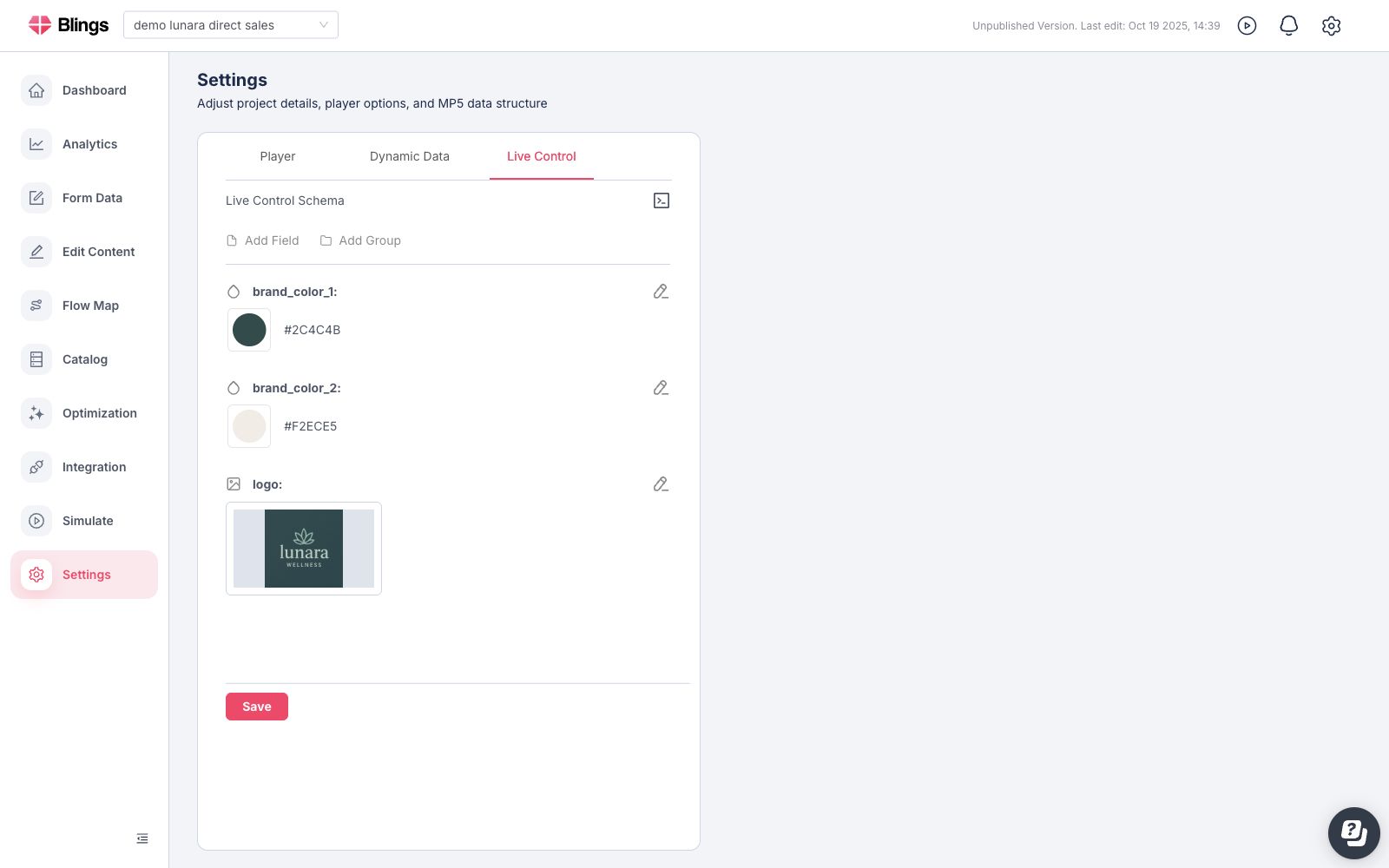
Live Control fields are project-level controls that can update shared values, such as brand colors, logo assets, campaign labels, or other operational settings.
Use live controls when the value should be changed centrally while the viewer data remains unchanged.
{% endtab %}
{% tab title="Catalog" %}
Catalog stores reusable grouped data such as products, plans, offers, collections, or loyalty tiers. After a catalog group is created in Dynamic Data, the Catalog page is used to create, edit, duplicate, and preview the catalog rows themselves.
{% content-ref url="/pages/0k4JpO0nDjUiGGp6e2xi" %}
[Catalog](/blings-knowledge-base/apps/blings-platform/catalog.md)
{% endcontent-ref %}
{% endtab %}
{% tab title="Form Data" %}
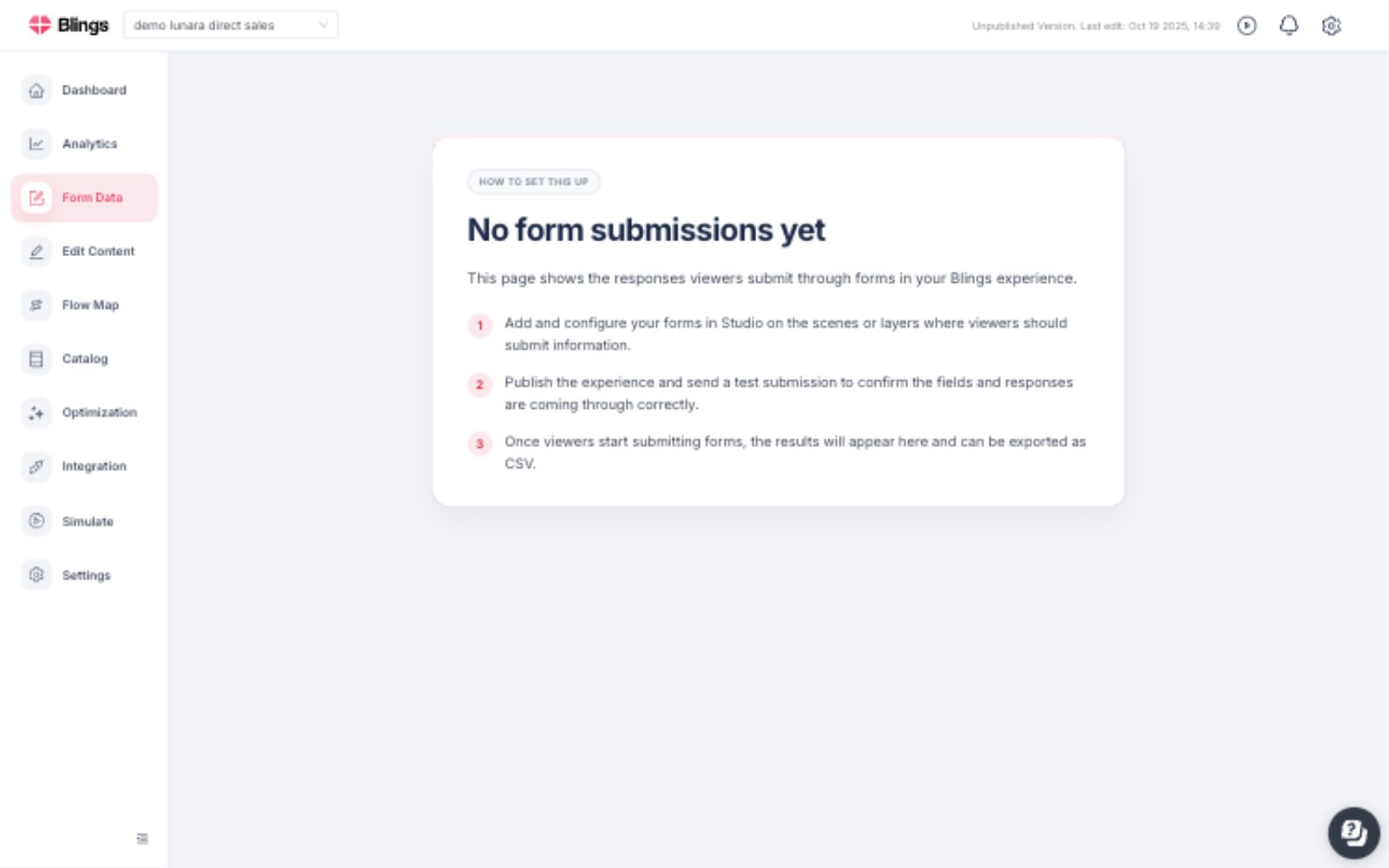
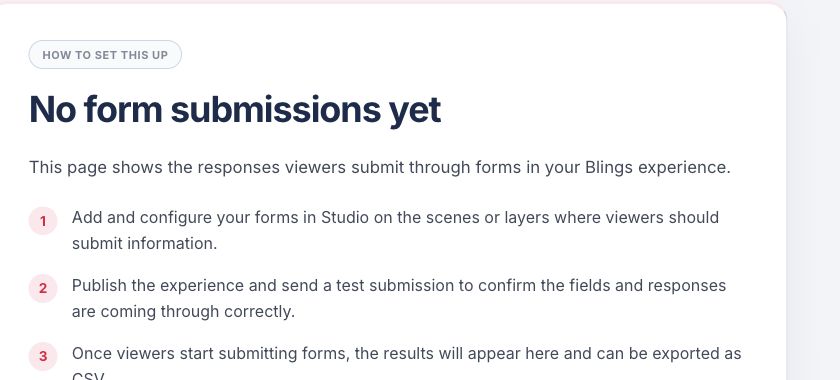
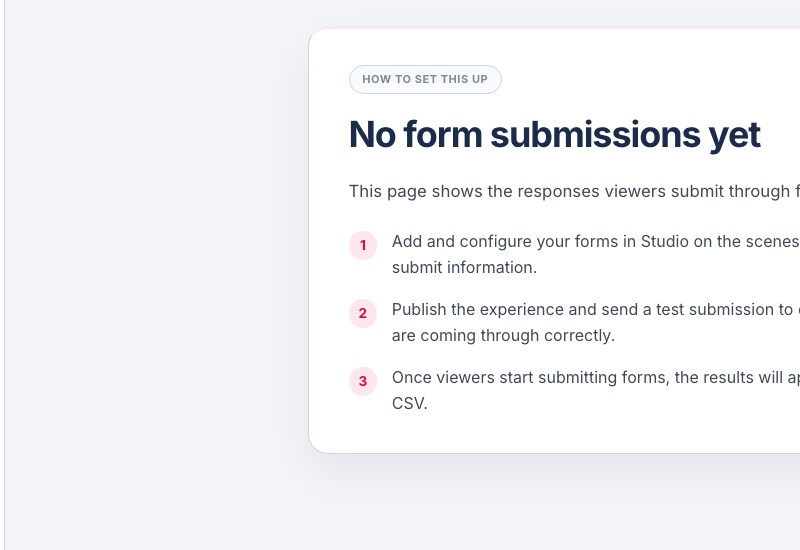
Form Data collects submissions viewers send through forms inside the MP5 experience. It supports use cases such as leads, registrations, answers, preferences, and other submitted information sent directly from the player.
{% endtab %}
{% endtabs %}
## Data Model Checklist
{% stepper %}
{% step %}
### Define Viewer Parameters
Create the Dynamic Data fields that arrive from the CRM, spreadsheet, SDK, URL, or API integration.
{% endstep %}
{% step %}
### Add Shared Live Controls
Create Live Control fields for values that should be managed centrally, such as brand colors, logos, or campaign settings.
{% endstep %}
{% step %}
### Use Catalogs for Reusable Records
Create Catalog groups when the project needs reusable rows like products, offers, plans, or collections.
{% endstep %}
{% step %}
### Collect Viewer Input When Needed
Enable Form Data when the MP5 player needs to capture submitted values from interactive forms.
{% endstep %}
{% endstepper %}
{% hint style="info" %}
Catalog, Form Data, and optimization-related features can depend on project and account configuration. Platform shows setup or enablement guidance in the feature area when additional configuration is required.
{% endhint %}
{% content-ref url="/pages/VkH17x1J2SH1VmvzEgwU" %}
[Simulation](/blings-knowledge-base/apps/blings-platform/simulation.md)
{% endcontent-ref %}
{% content-ref url="/pages/0k4JpO0nDjUiGGp6e2xi" %}
[Catalog](/blings-knowledge-base/apps/blings-platform/catalog.md)
{% endcontent-ref %}